
What Size TV Should You Buy? Sizing a Screen to Your Room
Measure how far your couch sits from the screen first, then choose the size to match. That order matters, because the right TV size is really a question about the room, not the TV. And with almost every set now being 4K, most people can sit closer to a bigger screen than the old rules allowed. The single most common regret buyers report is going too small, so if you are torn between two sizes, the bigger one is usually the safer call.
There are two levers, and they work together:
- How far you sit from where the TV will go. This is the number you control least, so it drives everything else.
- How big the screen is, measured diagonally in inches. This is the number you get to choose once you know your distance.
Get those two in proportion and the picture fills a comfortable slice of your view without you having to swivel your head or notice the pixels. Get them out of proportion and a big screen up close feels overwhelming, or a small screen across a large room feels like squinting at a laptop.
Step one: measure your viewing distance
Grab a tape measure and check the distance from the front of your main seat to the wall or unit where the TV will live. Measure to where people actually sit most of the time, not the closest possible spot. If two rows of seating are in play, measure to the row you use most and accept the other will be a touch different.
That one measurement does most of the work. Everything below is built around it.
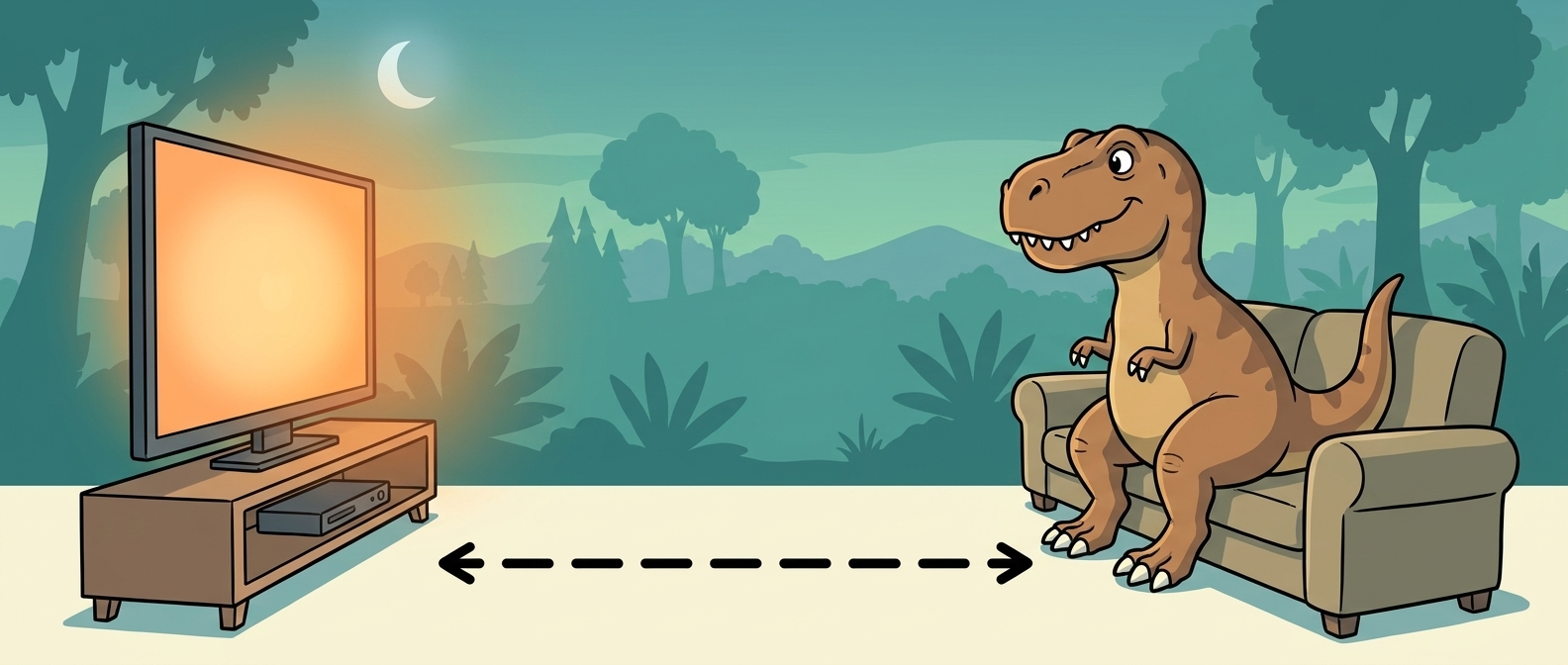
Viewing distance is the gap from your seat to the screen. Size the TV to that gap, not the other way around.
Step two: match a size to the distance
Here is a practical starting guide for a 4K TV. Treat these as sensible ranges to begin from, not hard rules. Personal taste, how much of a movie-night focus the room has, and the shape of the space all shift the answer.
| Viewing distance | Sensible starting size (4K) |
|---|---|
| Around 1.5 to 2 m | 55 to 65 inches |
| Around 2 to 2.5 m | 65 to 75 inches |
| Around 2.5 to 3 m or more | 75 to 85 inches and up |
If you want a number to sanity-check yourself against, one common rule of thumb takes your viewing distance in centimetres and divides by about 1.5 to get a screen diagonal that fills a fairly immersive field of view. So a 2.5 m (250 cm) distance works out at 250 / 1.5 = about 167 cm, and dividing by 2.54 cm per inch lands around a 65-inch screen. Sit a bit further back, or want a more relaxed angle, and the number nudges smaller; chase more immersion and it nudges bigger. Older guidance based on THX and SMPTE viewing angles lands in a similar place. None of these are laws; they are just ways of describing "big enough to feel like something, not so big your eyes are darting around".
Why bigger is usually the right call now
The old advice to sit well back came from standard-definition and early HD, where sitting too close meant you could see the pixel grid and the scan lines. 4K resolution packs in four times the pixels of 1080p, so at normal living-room distances those pixels are invisible. That removes the main reason people used to hold back on size.
The practical result: the distance at which a screen looks "too big" is much further than it used to be, and the ideal range has moved up a size or two for most rooms. This is why so many buyers, standing in a bright showroom looking at a set that seems enormous, take it home and wish they had gone larger. A showroom the size of a warehouse makes everything look small. Your lounge room is not a warehouse.
If you are choosing among the popular 65-inch options, our guide to the best 65-inch TVs in Australia compares the current picks and their live prices.
The things the tape measure does not tell you
A few real-world checks before you commit:
- Wall or stand space. Measure the width of the cabinet or the clear wall area. A screen's width is roughly 87 percent of its diagonal, so a 75-inch set is about 166 cm wide before you add the bezel and any stand feet. Check the feet spacing too, since some sets have wide-set feet that need a longer unit than you would expect.
- Who sits where. If half the room watches from off to the side or further back, size up slightly so the far seats still get a full picture.
- Mounting height. Higher up on a wall usually means a touch further away in practice, and a screen mounted too high strains necks over a long movie. Aim for eye level with the middle of the screen from your main seat.
- Room light and use. A room built around movie nights rewards going bigger. A screen that is mostly background for the kitchen can sit a size down without anyone minding.
Resolution matters less than you would think once you are at 4K at a normal distance, which is why we would put size and panel quality ahead of chasing the newest numbers. If you are weighing whether the extra resolution is worth paying for, our 8K vs 4K TV explainer covers why 4K is still the right buy for almost everyone. And if picture quality is your priority over sheer size, it is worth understanding how OLED panels work and where they justify their premium.
The short version
Measure your seating distance, use the table as a starting point, then lean one size larger rather than smaller. At 4K you will not see pixels, the far seats will thank you, and the too-small regret is far more common than the too-big one. Match the size to the room and the money looks after itself.